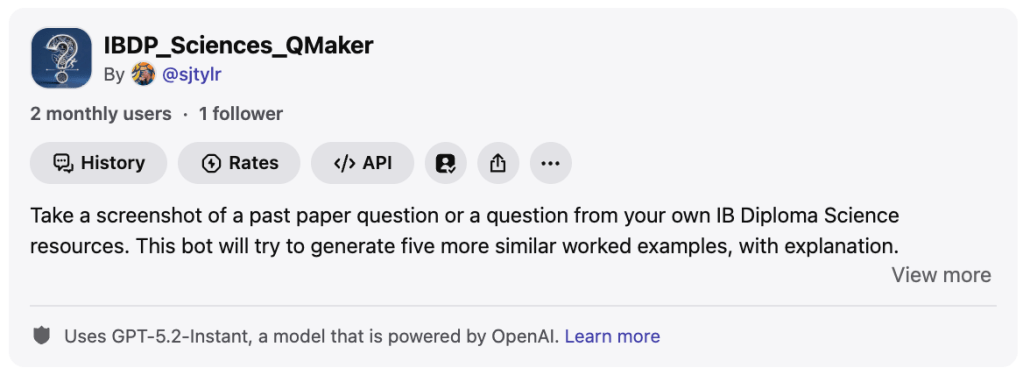
Some quick experiments, based on a conversation with some colleagues before the break. As we head into IBDP exam review season, teachers and students are looking for practice questions and will run out of past papers.
These two Poe bots are designed to use a screenshot of a question from IBDP Maths or Sciences and generate a worked markscheme and five other very similar questions. The idea is on-the-spot differentiation for students (for example if they make a mistake on a question and need some more practice).
If you want to try:
🟰 IBDP Maths Question Maker: https://poe.com/IBMath_QuestionMaker
🧪 IBDP Sciences Question Maker: https://poe.com/IBDP_Sciences_QMaker
The don’t make new graphs or charts, but might be useful for practising more calculations or equation-based questions. It took a while to get them working. They use GPT-5.2 Instant, as it is quick and can handle mathematical/ chemical notation.
Here’s an older one: a PZ Thinking Routines coach/selector. Think about the topic and thinking moves you want students to make, and it will try to help you select routines, make them work and adapt with AI. Thinking Routines are great during exam review time to help students make connections and clarify their reasoning. This one has been updated to use Gemini-3-Flash for quicker responses and some better reasoning & language.
🤔 https://poe.com/ThinkingRoutinesBot
And one more: An IB Student Future Careers Research Assistant. This bot asks the student a couple of questions and then goes into research to help them find out how their chosen career is being influence by AI, what new opportunities are emerging, what university or training courses are available and how to get there. It is based on my lesson from the AI Pedagogy Project.
Using Claude Code to Make a Citation Manager
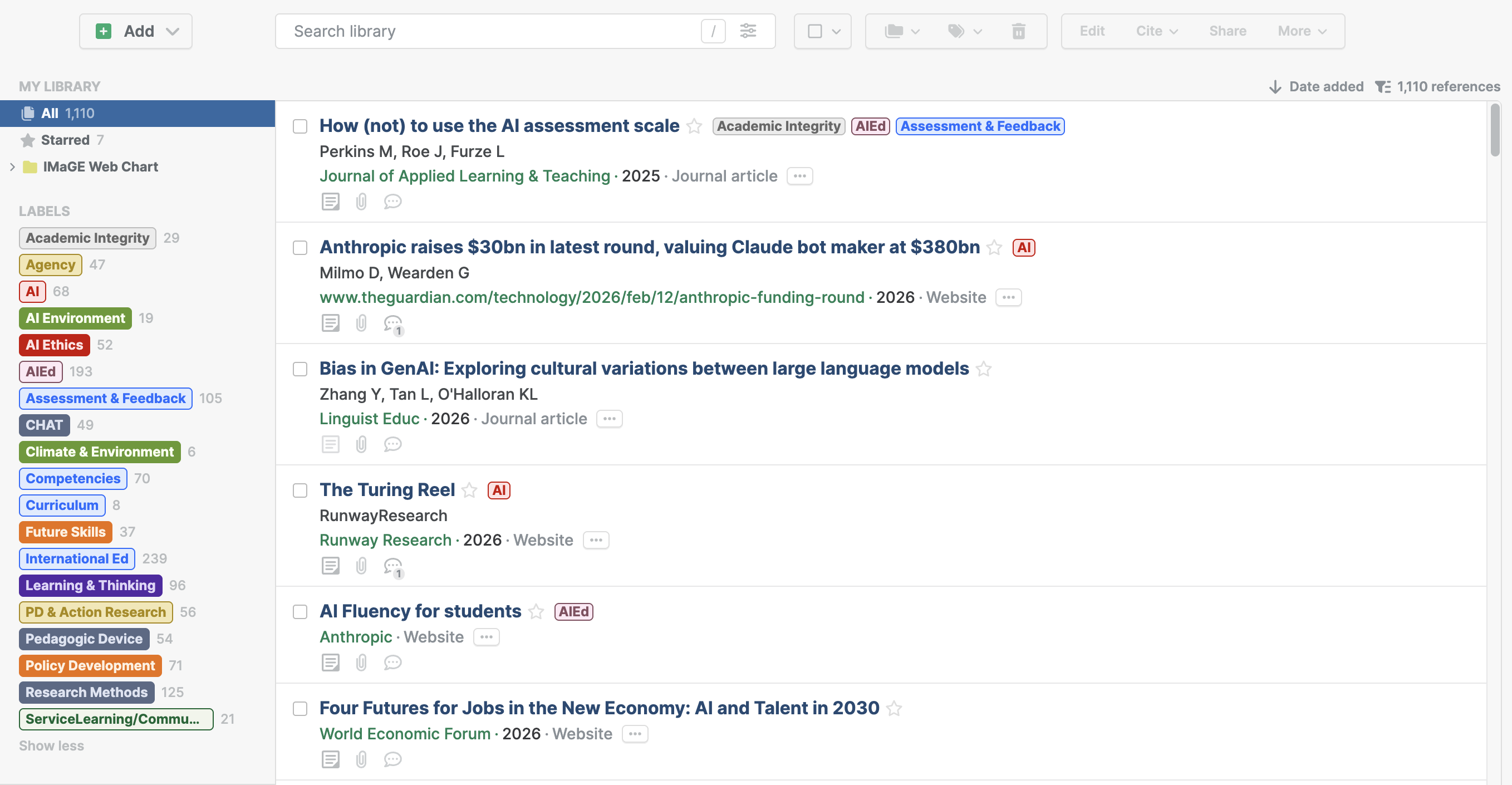
In another experiment, I spent hours sorting over 1,100 references in Paperpile over the break (tags etc)*. Seeing all the examples of Claude Code making Chrome extensions, I had a go at making a bibtex-grabber that I could use to capture adn edit references while I read them on the same page (sometimes the PaperPile auto-capture misses data and I need to switch between screens).
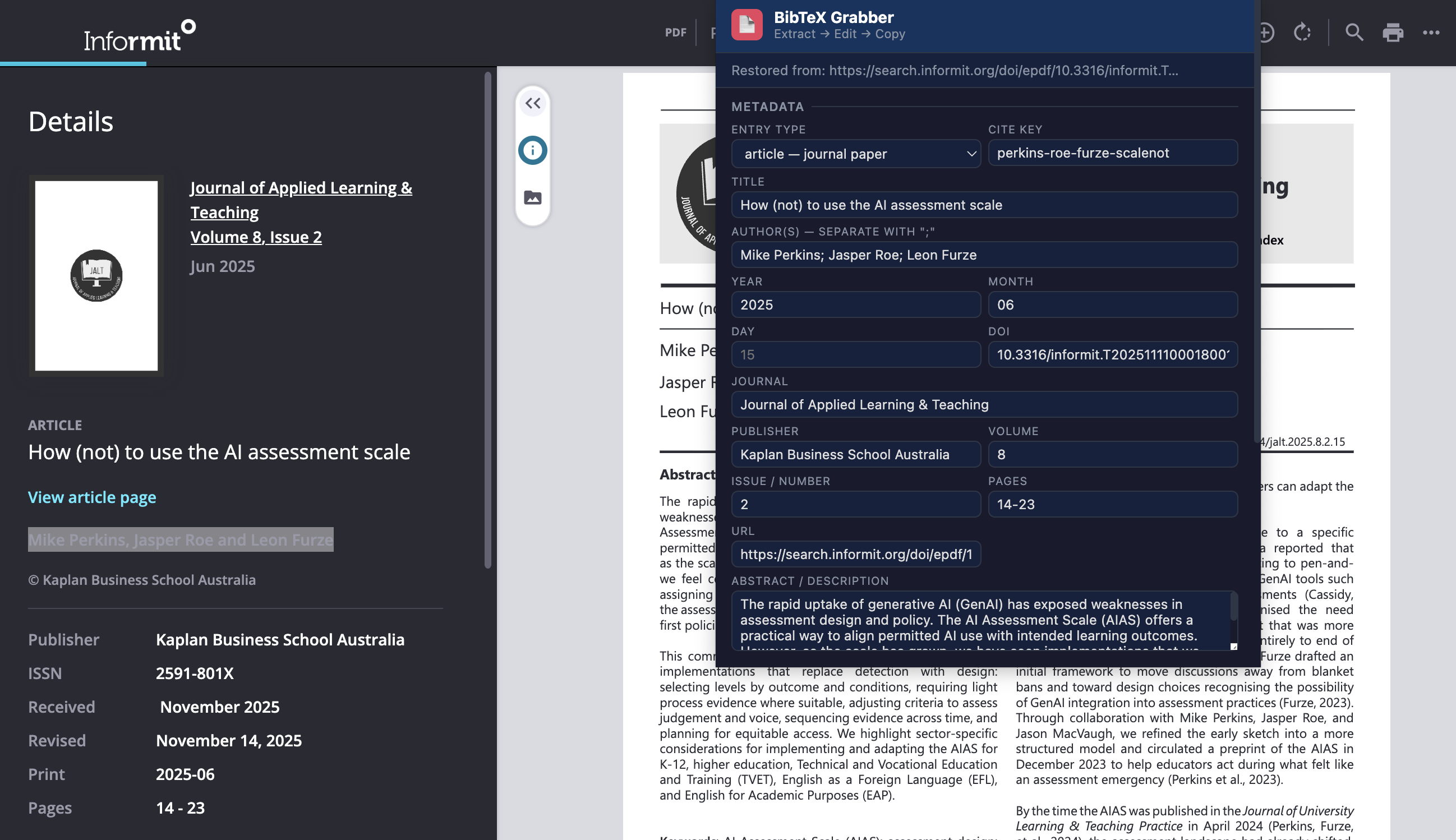
It will try (not very hard) to capture reference data from a site/paper and has a popup window to edit. Then the bibtex can be copied and pasted into the reference manager. It’s a bit ropey, but means I can edit with the page/file still open and double-check in PaperPile later.
💻 GitHub: https://github.com/SJTYLR/bibtex-grabber
*This is what it looks like…

 Wayfinder Learning Lab - Stephen Taylor
Thank-you for your comments.